



Touch screen coffee table designs are transforming modern living rooms, blending interactive technology with sophisticated furniture. If you’re considering a smart centerpiece for your home or office, here’s everything you need to know before buying (and what others won’t tell you).
Key Takeaways
- The smart coffee table market is booming globally, but reliable data for touch screen coffee tables is limited.
- Popular models promise features like wireless charging and refrigeration, but technical specs and user complaints are rarely disclosed.
- Potential buyers should focus on warranty, retailer policies, and actual home use before making a big-ticket purchase.
- What Is a Touch Screen Coffee Table and Why Are They Trending?
- Step-by-Step Guide: How to Choose and Use a Touch Screen Coffee Table
- Advanced Analysis & Common Pitfalls
- Conclusion
- FAQ
What Is a Touch Screen Coffee Table and Why Are They Trending?
A touch screen coffee table is an interactive centerpiece merging digital connectivity, display tech, and modern design in one functional table. Unlike standard coffee tables, these “smart tables” feature an embedded touchscreen, often with Wi-Fi, charging ports, speakers, and sometimes even built-in refrigeration. They’re gaining traction in both residential and commercial spaces for convenience, entertainment, and status appeal.
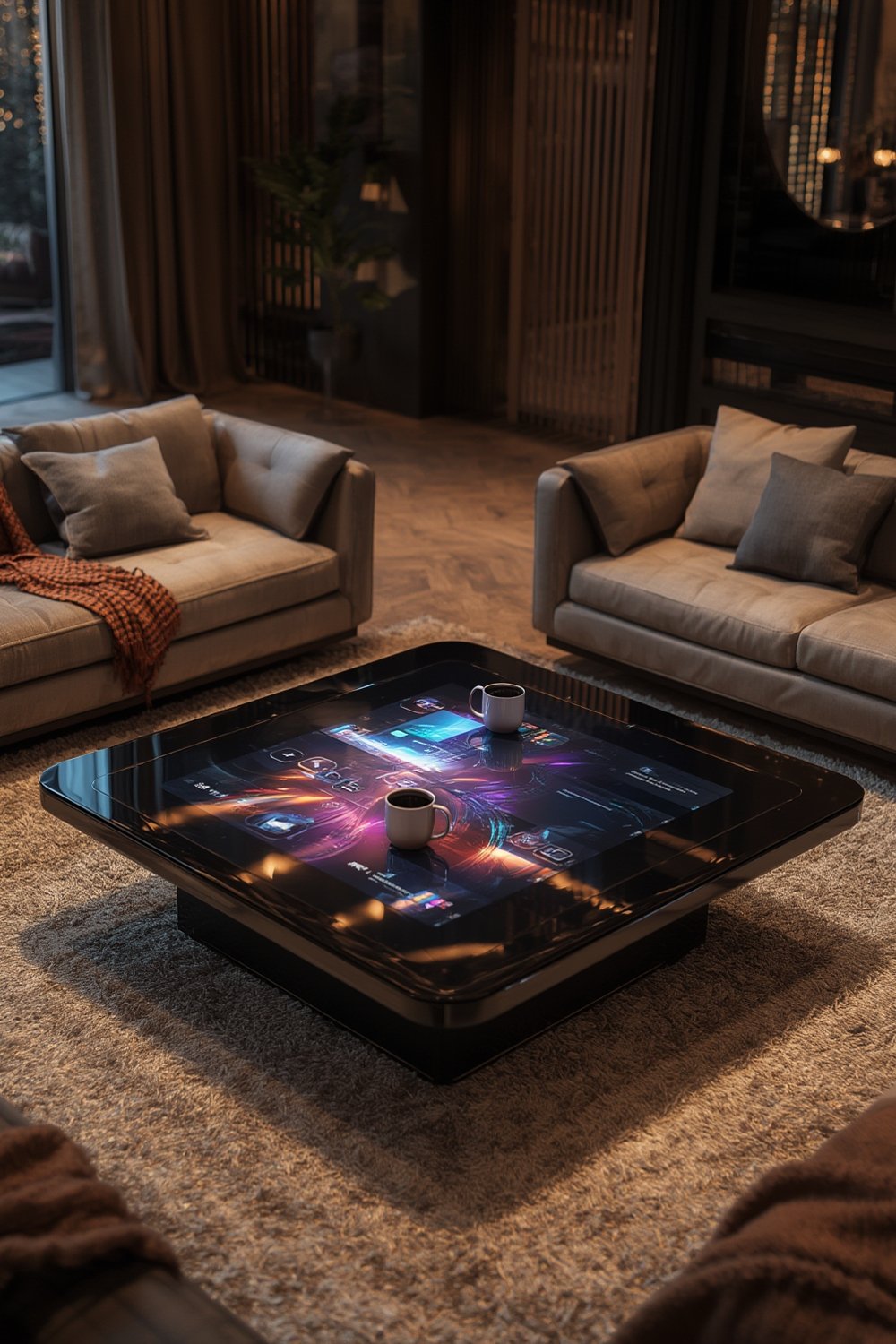
The global market for smart coffee tables reached USD 1.12 billion in 2024, with North America leading adoption due to high smart home penetration and online shopping. For context, the smart furniture market is even larger (estimates up to $3.5 billion), but statistics for touch screen tables alone remain elusive. Power-integrated versions are also surging in popularity.
Shoppers want more than just a table — the appeal is in entertainment, automation, and seamless device integration for daily living. Touch screen coffee table designs offer a glimpse into the future of home furnishings, but also come with significant gaps buyers should be aware of.
Step-by-Step Guide: How to Choose and Use a Touch Screen Coffee Table
Selecting the right touch screen coffee table isn’t as simple as picking a style. Technical features, practical use, and retailer reputation are all crucial.
Here’s a realistic step-by-step approach:
-
Clarify Your Priorities:
- Are you after entertainment (apps, streaming, gaming), smart home control, or just wow-factor?
- Do you need features like wireless phone charging, built-in fridge, or speakers?
- Will it see heavy family use (kids, spills) or adult-only occasional use?
-
Check for Essential Features:
- Screen size & quality: Ensure the touch screen is at least 32 inches diagonally for group visibility.
- Resolution: Full HD (1080p) is recommended for sharp apps and video; some brands might offer less.
- Connectivity: Look for Wi-Fi 5 or 6, Bluetooth, multiple USB/HDMI ports. Avoid unknown proprietary ports.
- OS & App Support: Android-based models tend to offer wider app compatibility, but check versions. Updates matter.
- Durability: Toughened glass and spill-resistant housing should be standard—especially for busy homes.
-
Research Brand Reputation:
- Read external reviews and Reddit threads about the manufacturer. Top brands like Sobro get attention for smart features but may not offer touchscreens on all models (source).
- Ask about available warranties and support policies, as coverage varies greatly.
-
Compare Retailers on Policy:
- Online channels dominate this market—compare warranty length, support ratings, and return logistics from different stores. Purchasing from retailers with clear “no-questions asked” return policies can save frustration if you face “dead-on-arrival” tech.
- When in doubt, consult guides like American Furniture Warehouse Shopping Tips to see how major furniture sellers protect buyers.
-
Plan for Practical Use:
- Map out cable management before delivery to avoid trip hazards and clutter. Some tables require a constant power supply.
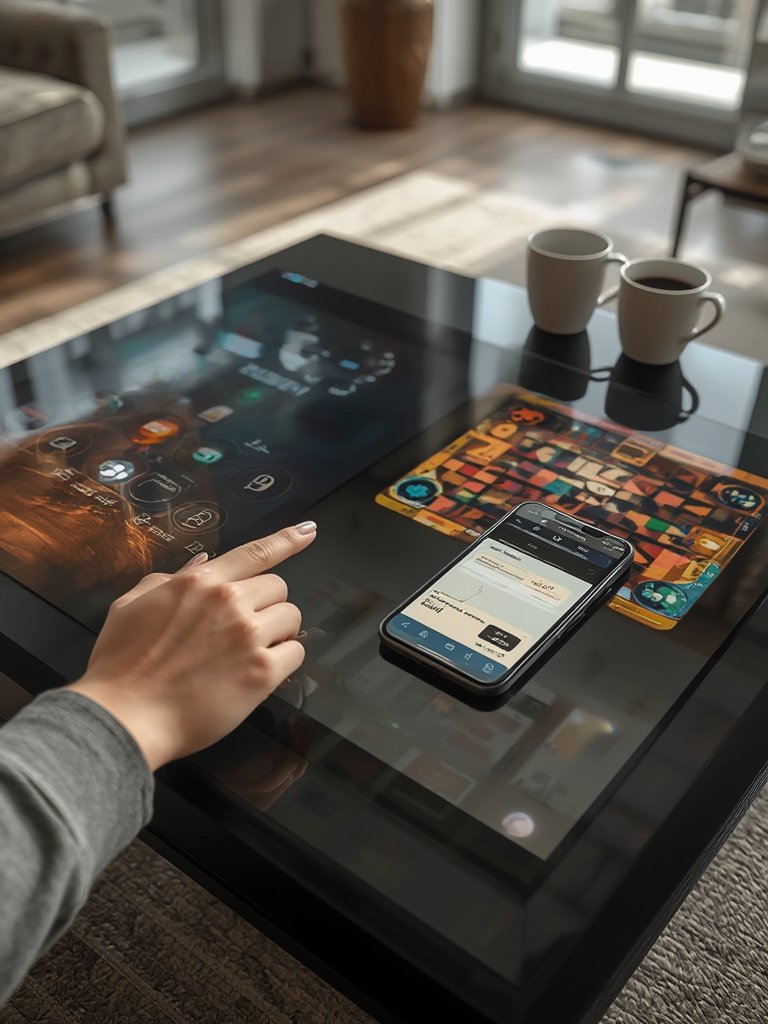
- Test responsiveness and cleaning: touch screens are fingerprint magnets and may scratch or get cloudy over time if untreated. Use compatible screen cleaning solutions only.
Still undecided? Explore alternatives for living room upgrades at Modern Sofas for Living Room or see the lease to own furniture guide for more flexible furnishing options.
Advanced Analysis & Common Pitfalls
With real reviews and technical specifications scarce, the risks of buying a touch screen coffee table are real. Here’s what too many buyers discover too late:
| Potential Issue | What to Look For | Actionable Fix |
|---|---|---|
| Undisclosed Tech Specs | Missing info on screen size, OS, connectivity | Demand a detailed spec sheet before purchase |
| Warranty Confusion | Limited or unclear warranty/return policies | Choose retailers with transparent, written guarantees |
| Cleaning & Durability | Fingerprint/scratch-prone screens, liquid damage | Use screen protectors and high-quality cleaners |
| Software Obsolescence | Pre-installed OS becomes unsupported; no updates | Seek models with upgradable OS or frequent updates |
| High Cost, Low Support | Expensive tech with little customer support | Avoid untested brands without support hotline or local presence |
Unlike well-established categories like Jordan’s Furniture, touch screen coffee tables still lack clear pricing guides. Market reports confirm that while broad smart furniture demand surges (source), transparency around costs, warranty, and after-sale service is rare. This makes it even more important to read up beforehand or ask tough questions before hitting “buy now.”
Looking for cost comparisons on other home upgrades? Check the complete guide to how much does a kitchen renovation cost.

Conclusion
Smart home tech is reshaping what “furniture” means in the modern living room. A touch screen coffee table is tempting for gadget fans or anyone seeking a multi-purpose centerpiece, but buyers need to proceed with caution. Verify tech specs, scrutinize warranty and support, and reflect on everyday practicality before investing. The best decision is a well-informed one.
Want more home tech tips and actionable furniture guides? Explore topics like outer patio furniture trends or discover the best strategies for home improvement. When you’re ready to choose your next touch screen coffee table, make sure you know what’s beneath the surface—so your smart living space stays truly smart.
Ready to start comparing real models and features? Ask for a spec sheet and shop with sellers who stand behind what they sell.
FAQ
What features should I always check before buying a touch screen coffee table?
Look for display size and quality, OS compatibility, current connectivity standards (Wi-Fi, Bluetooth, USB), durability (glass strength, spill resistance), and warranty/support details.
Are touch screen coffee tables easy to maintain?
Not always. The screens can attract smudges and fingerprints, and not all models are equally scratch or liquid resistant. Regular cleaning with approved products and screen protectors is recommended.
Why is there limited user review data for these products?
This is a new and niche category, with few established brands and low sales volume compared to typical coffee tables or electronics. Buyers are often early adopters, so reviews take longer to build.
Where is the best place to buy a touch screen coffee table in 2024?
Online retailers dominate, but since return and warranty policies can vary widely, always compare options and choose one with strong customer service and clear guarantees. Avoid unknown marketplaces.
What if my table’s operating system stops getting updates?
If the OS becomes obsolete, many functions could break. Choose models with upgradable platforms or regular software updates to keep your table working long term.